
You can use the Modes of Operation settings to configure the Fabric-enabled LogPoints as LogPoint Collectors. You need to understand and fulfill the LogPoint collector requirements before configuring the modes of operation settings.
A LogPoint collector collects logs from different sources, normalizes them, and forwards them to a remote LogPoint. You need a main (remote) LogPoint to configure sources and storage locations for the incoming logs. For that reason, you need at least two LogPoints to use LogPoint Collector.
Note
You must add the devices for the LogPoint collector in the remote LogPoint by choosing the collector machine as the distributed collector.
Since LogPoint collector is used only to collect and forward the logs, Dashboard, Search, and Report do not exist in a LogPoint collector.
Go to Configure >> Settings >> System >> Modes of Operation Settings.
Select the LogPoint instances where you want to configure the Modes of Operation settings.
Click Next.
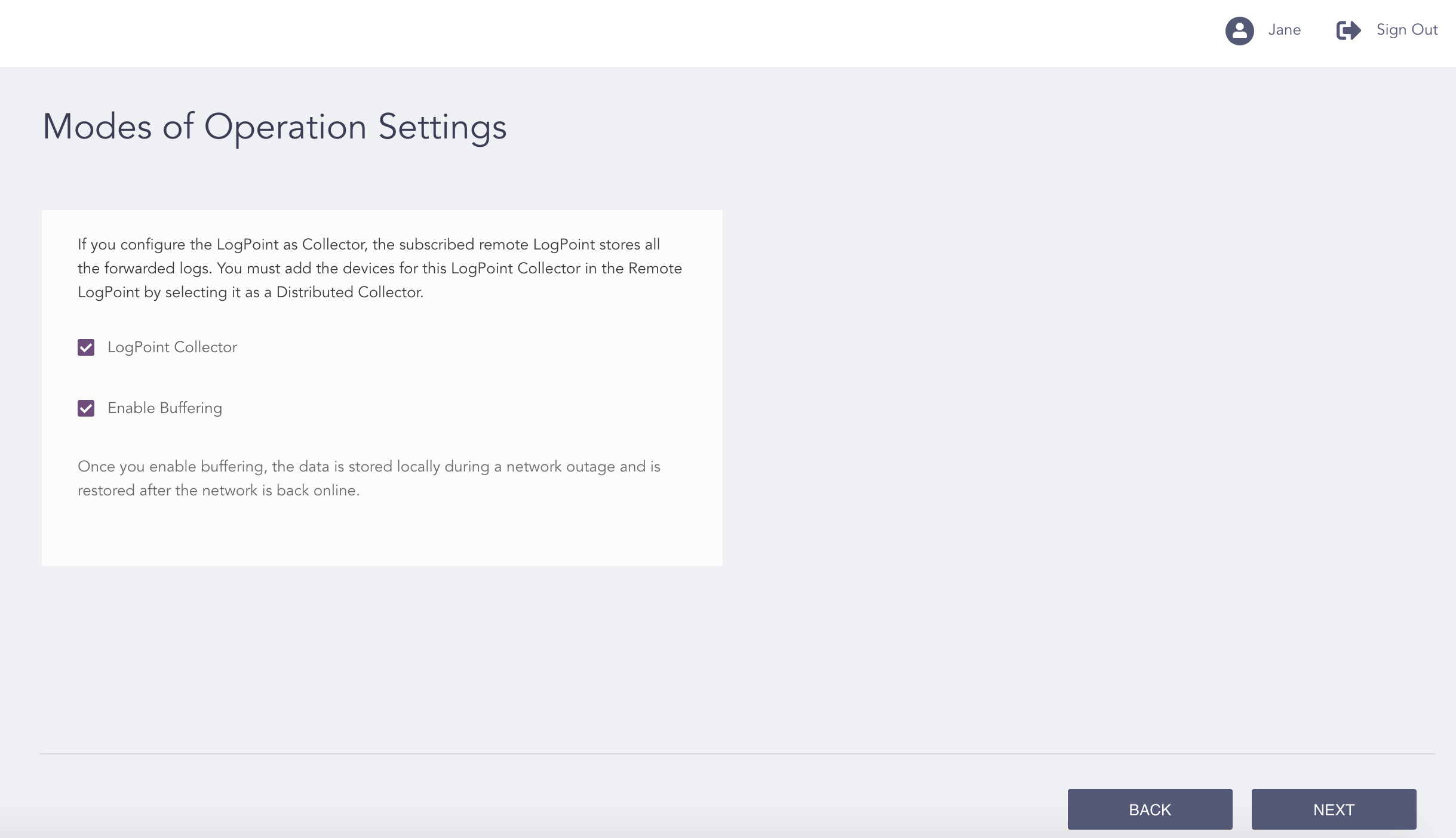
Configuring the Modes of Operation Settings
Click LogPoint Collector.
Click Enable Buffering to store the data locally in case of a network outage.
Note
You need to enable Open Door in the main LogPoints and add them as Remote LogPoint in the LogPoint collectors.
Click Next.
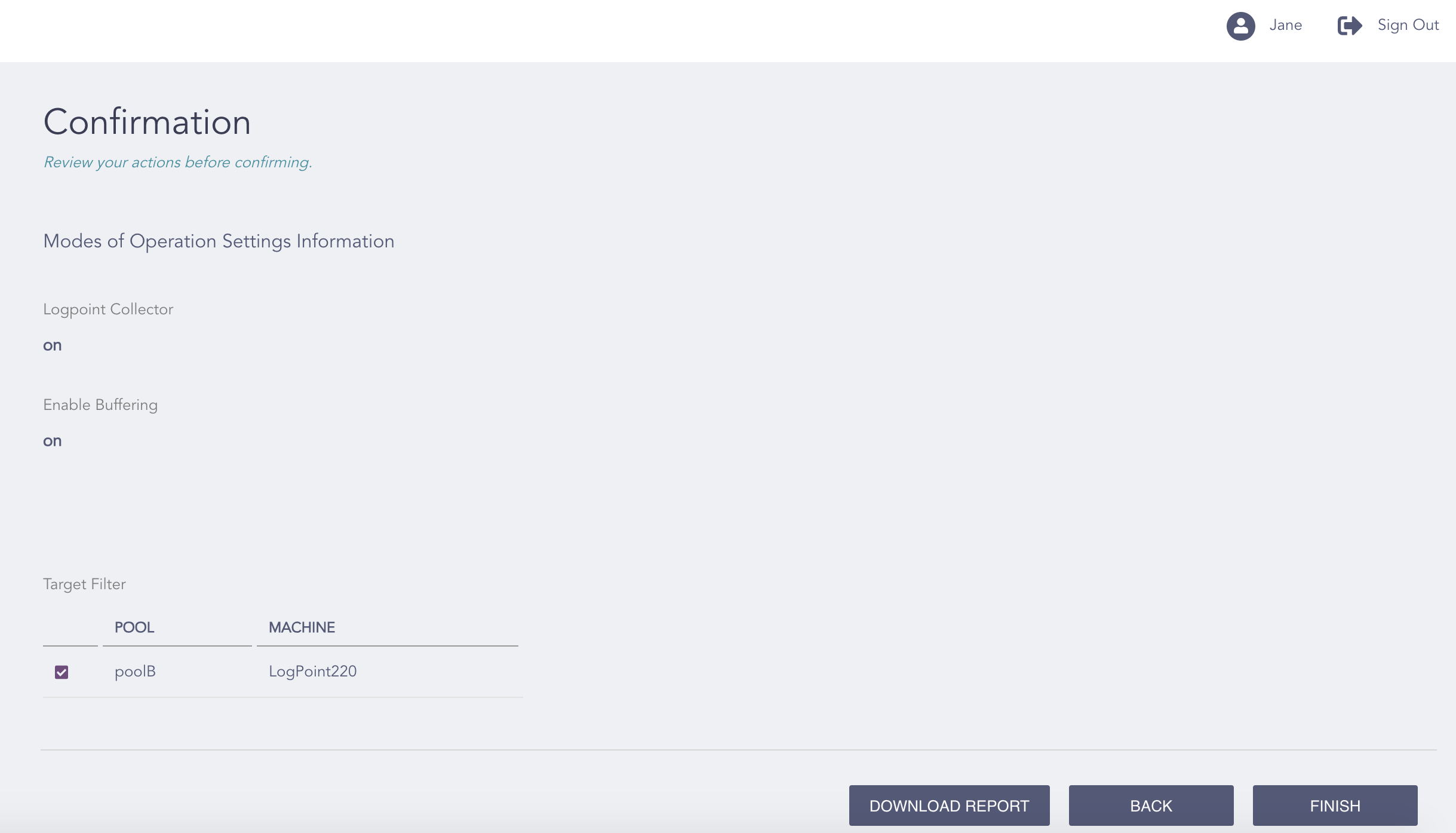
Confirming the Changes
Review your changes. You can go Back to make any changes if necessary.
Note
Click Download Report to save the summary of the task in PDF.
Click Finish.
Click OK.